How Many Broken Links Is Too Many? When to Worry
· Updated
You just ran a site audit and found 47 broken links. Is that bad? Should you drop everything and fix them right now, or is it a normal number for a site your size?
The honest answer: the raw count doesn't tell you much. A 10,000-page enterprise site with 47 broken links is in excellent shape. A 20-page portfolio site with the same number has a serious problem. What matters is the ratio, the location, and the type of broken links — not the absolute count.
Google doesn't penalize sites for having broken links. There's no algorithmic threshold where 50 dead links trigger a ranking drop but 49 don't. The damage is indirect, cumulative, and depends entirely on context. Here's how to figure out whether your broken links are a cosmetic blemish or a real problem.
What the Data Says About "Normal" Broken Link Rates
Before you panic about your audit results, it helps to know what a typical website looks like.
According to TripleChecker's analysis, 68% of websites have at least one broken link. Having zero broken links is the exception, not the rule. The question is how many you have relative to your total link count.
Industry averages vary significantly:
- Tech websites maintain healthier link profiles than most industries, averaging about 1.8 broken links per 100 pages compared to the cross-industry average of roughly 5.2 per 100 pages (LinkTiger benchmark). They tend to catch and fix issues faster than sectors with less engineering-driven content operations.
- Government websites are particularly affected: 21% of government webpages contain at least one broken link (Pew Research, 2024), largely due to bureaucratic content management and legacy pages.
- News sites are especially vulnerable: 23% of news webpages contain at least one broken link, driven by the sheer volume of external references that go stale.
- E-commerce sites with broken product page links lose measurable revenue from dead-end user journeys.
The Ahrefs link rot study found that 66.5% of all links built since 2013 are now dead. This isn't a website quality failure — it's the natural entropy of the web. External links break at roughly 5-10% per year regardless of what you do.
So what's a reasonable benchmark? For internal links, aim for less than 1% broken. For total links (internal + external), anything under 2% is generally acceptable. Once you cross 5%, the cumulative damage starts showing up in measurable ways — higher bounce rates, wasted crawl budget, and declining organic traffic.
Why Google Doesn't Set a Hard Threshold (And Why That Doesn't Matter)
Google has been clear about this: 404 errors are a normal part of the web, and having them won't trigger a penalty. John Mueller has said repeatedly that Google expects sites to have some broken links and handles them gracefully.
But "no penalty" doesn't mean "no consequences."
The damage from broken links is indirect and compounds over time through four channels:
Crawl Budget Waste
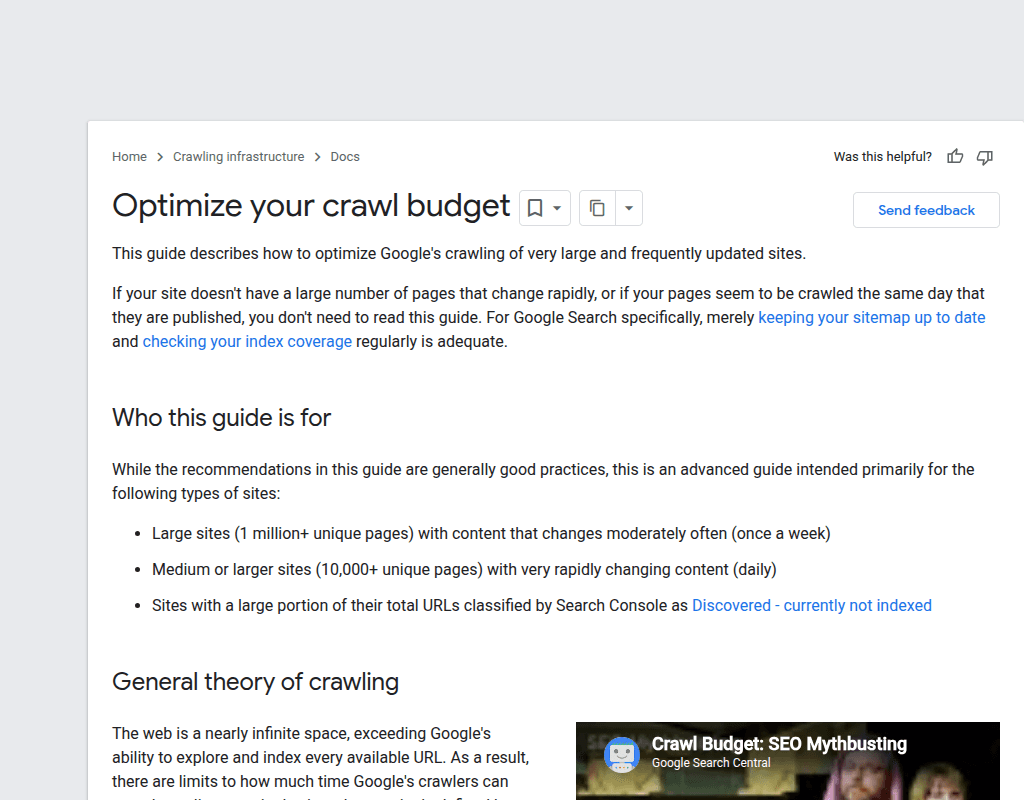
Google allocates a finite crawl budget to your site — the number of pages Googlebot will crawl in a given period. Every time the crawler hits a broken link, it burns one of those requests on a dead end instead of discovering or re-indexing your actual content.
For small sites (under 500 pages), this barely matters. Google has more than enough budget to crawl your entire site regardless of a few 404s. For large sites with thousands or tens of thousands of pages, crawl budget is a real constraint. If 5% of your internal links point to dead pages, roughly 5% of your crawl budget is wasted on content that doesn't exist.
Google's own crawl budget documentation confirms that encountering many non-200 responses can affect the crawl rate allocated to your site over time.
Lost Link Equity
Every internal link passes PageRank (link equity) to the destination page. When that destination returns a 404, the equity evaporates. It doesn't redirect anywhere. It doesn't flow back to the linking page. It simply disappears.
If your highest-authority page links to five internal pages and two of those links are broken, 40% of the equity that page distributes is going nowhere. Multiply that across your site, and the cumulative loss can be substantial — especially when broken links sit on pages with strong external backlink profiles.
User Experience Signals
A user who clicks a link and hits a 404 page will usually bounce. That increases your bounce rate and decreases time on site — behavioral signals that correlate with lower rankings. A study cited by multiple SEO research firms found that 88% of online users are less likely to return to a site after encountering broken links.
For e-commerce sites, the impact is direct: broken links on product or category pages mean lost sales, not just lost engagement metrics.
Indexing Confusion
When Google encounters a broken internal link, it records the error in Search Console. A handful of errors is fine. But hundreds of crawl errors signal to Google that your site might not be well-maintained, which can influence how aggressively it crawls and indexes new content.
More practically, if you have pages that should be indexed but are only linked through broken intermediate pages, those destination pages become orphaned — Googlebot can't reach them through your internal link structure, so they may never get indexed at all.
The Real Threshold: When to Actually Worry
Since there's no magic number, here's a practical framework based on what actually causes measurable damage.
Green Zone: Under 2% Broken Links
If your broken link ratio (broken links divided by total links) is under 2%, you're in good shape. This is normal web entropy — external sites going offline, the occasional deleted page, a typo in a URL from two years ago.
Action: Fix what you find during regular maintenance. No need to treat this as urgent. Schedule periodic link checks and handle broken links in batches.
Yellow Zone: 2-5% Broken Links
At this level, the cumulative effects start becoming measurable. You probably won't see a dramatic ranking drop, but you're leaking link equity, wasting crawl budget on larger sites, and creating enough dead ends that some users are hitting 404 pages regularly.
Action: Schedule a dedicated cleanup within the next week or two. Prioritize based on the framework in the next section. Set up monitoring to prevent the count from climbing further.
Red Zone: Over 5% Broken Links
Above 5%, the problems are likely affecting your SEO performance. Crawl budget waste becomes significant, link equity leakage adds up, and the user experience degrades noticeably. Sites in this range often see it reflected in declining organic traffic — though it's hard to isolate broken links as the sole cause since they typically correlate with other maintenance neglect.
Action: Treat this as a priority project. Block time to fix broken links systematically, starting with the highest-impact ones. Consider it a sign that your link maintenance process needs an overhaul, not just a one-time cleanup.
Emergency: Sitewide Navigation Links Broken
One broken link in your main navigation, header, or footer can generate hundreds or thousands of broken link instances — one per page where that template appears. This is the closest thing to a broken link "emergency" because it affects every page on your site simultaneously.
Action: Fix immediately. This is usually caused by a URL change or page deletion that wasn't reflected in the site template. A single fix resolves all instances.
Which Broken Links to Fix First
Not all broken links cause equal damage. When you're looking at a list of 50 or 200 broken links, here's how to prioritize.
Priority 1: Internal Links on High-Traffic Pages
Check Google Analytics or Search Console for your top 20 pages by organic traffic. Any broken links on those pages are your highest priority — they're being encountered by the most users and crawled most frequently by Google.
A broken link on your homepage or a landing page that gets 10,000 visits per month is far more damaging than one buried in a blog post from 2019 that gets 5 visits per month.
Priority 2: Sitewide Template Links
Links in your header, footer, sidebar, or navigation menu appear on every page. A single broken link in these areas multiplies across your entire site. If you find one of these during your audit, fix it immediately — the fix-to-impact ratio is the highest of any category, and a single edit resolves every instance.
Priority 3: Internal Links to Money Pages
Any broken internal link pointing to a page that drives revenue — product pages, pricing pages, service pages, lead generation forms — should be fixed quickly. These pages depend on internal link equity to rank, and every broken link pointing to them is a lost signal.
Priority 4: Links on Pages With Strong Backlink Profiles
Pages that have attracted external backlinks are your strongest sources of link equity. If those pages contain broken internal links, they're distributing equity to nowhere. Check your backlink data in Ahrefs or Search Console and cross-reference with your broken link report.
Priority 5: External Broken Links
External links (pointing to other websites) that are broken don't waste your crawl budget or leak your link equity — the equity was going to another site anyway. But they do hurt user experience. Users who click an outbound link and get a 404 may blame your site, not the destination.
Fix these last, or in batches during regular maintenance. For external links, you can either update the URL if the content moved, replace it with an alternative source, or remove the link entirely.
Broken Link Rates by Site Size: What's Realistic
Your expectations should scale with your site. Here's what's realistic for different sizes.
Small Sites (Under 50 Pages)
Acceptable: 0-5 broken links. With so few pages, every broken link represents a large percentage of your total links. Most broken links on small sites are external — the few outbound links you have that stopped working.
Why it's manageable: You can manually check every page. The Broken Link Checker browser extension lets you scan individual pages in seconds.
Medium Sites (50-500 Pages)
Acceptable: 10-25 broken links, as long as they're mostly external and not concentrated on important pages. At this size, some link rot is inevitable.
Why it's manageable: A crawler like Screaming Frog or an online tool can audit the whole site in minutes. Monthly checks keep the count in the green zone.
Large Sites (500-5,000 Pages)
Acceptable: 50-150 broken links, depending on how many external links you have. Content-heavy sites with lots of outbound citations will naturally have more breakage.
Why it gets harder: Manual checking is impractical. You need automated crawling on a schedule. The priority framework above becomes essential — you can't fix everything at once, so you need to know what to fix first.
Enterprise Sites (5,000+ Pages)
Acceptable: Varies widely. The goal isn't zero — it's a declining trend line and fast response to new breakage. Enterprise sites might carry 200-500 broken links at any given time and still be healthy, as long as the internal broken link rate stays under 1% and new broken links are caught within days.
Why it requires systems: At this scale, broken link management is an ongoing process, not a task. Automated daily crawls, alert systems, and a clear fix workflow are necessary. Regular checking schedules become a team responsibility.
Internal vs. External: The Distinction That Changes Everything
The single most important factor in assessing broken link severity is whether the link is internal or external.
Internal broken links — links from your site to other pages on your site — are entirely your fault and entirely within your control. They waste crawl budget, leak link equity, and signal poor site maintenance. There is no acceptable threshold for leaving known internal broken links unfixed. If you know about them, fix them.
The most common causes: deleted pages without redirects, URL structure changes, typos in href attributes, and CMS migrations that didn't preserve all URL mappings. Understanding what causes broken links helps prevent them from appearing in the first place.
External broken links — links from your site to other websites — break because someone else changed or deleted their content. You can't prevent them, only detect and respond. A 3-5% external broken link rate is normal and not cause for alarm. These should be cleaned up regularly but don't need emergency treatment.
The operational difference: internal broken links should be fixed within days of detection. External broken links can wait for your next scheduled maintenance window.
Building a Sustainable Fix Process
Finding broken links is the easy part. The hard part is keeping the count low over time, especially as your site grows and ages. Here's what a sustainable process looks like.
Automated Detection
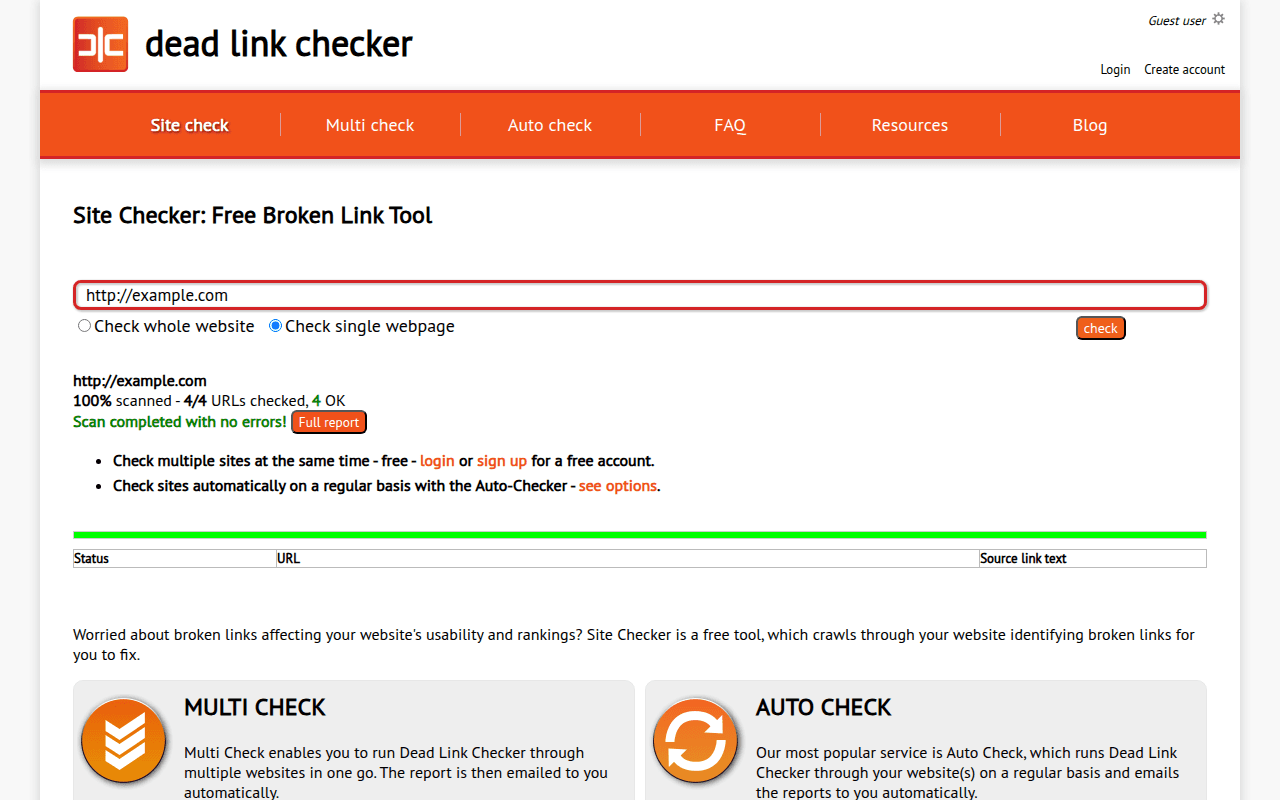
Set up a scheduled crawl that runs at least weekly when you need unattended detection. For a manual baseline or cleanup pass, the Broken Link Checker extension can scan discovered pages on one host, up to a page limit you set from 1 to 10,000. Its Broken and Redirect cards filter the report, while Found on shows how widely each failed destination is repeated. The extension does not schedule runs or calculate trends from its locally stored history. Count unique failed destinations separately from affected source pages: one broken footer URL may need a single template repair even when Found on lists dozens of pages.
Triage, Don't Fix Everything at Once
When you get an audit report with 100 broken links, don't try to fix all of them in one session. Use the priority framework above: template links first, then high-traffic pages, then money pages, then everything else. Batch the lower-priority fixes into your regular content maintenance schedule.
Prevent New Broken Links
The best broken link strategy is prevention. Before deleting any page, check what links to it (internally and externally) and set up 301 redirects. Before changing URL structures, create a redirect map. Before launching a site redesign, run a full link audit to document your current URL structure.
Our guide on link rot prevention covers the technical and process-level strategies in detail.
Track the Trend, Not Just the Count
A single snapshot of broken link counts is less useful than tracking the trend over time. Are you finding more broken links each month, or fewer? Is the ratio improving or getting worse? A site that went from 200 to 150 to 95 broken links over three months is healthier than a site at 50 that's been climbing from 20.
Set up a simple spreadsheet or dashboard tracking total broken links, broken link percentage, and new broken links found per audit. The trend line tells you whether your process is working.
FAQ
Does Google penalize websites for broken links?
No. Google does not impose a direct ranking penalty for having broken links. John Mueller has confirmed this multiple times. However, broken links cause indirect damage through wasted crawl budget, lost link equity, poor user experience signals, and potential indexing issues. The cumulative effect of many broken links can absolutely hurt your rankings — just not through a specific algorithmic penalty.
How many broken links is normal for a website?
It depends on your site size and age. A site with 100 pages might normally have 5-10 broken links (mostly external). A site with 1,000 pages might carry 50-100 at any given time. The key metric is the percentage: under 2% is healthy, 2-5% warrants attention, and over 5% likely indicates a maintenance problem that's affecting your SEO. About 68% of all websites have at least one broken link, so having a handful is completely normal.
Are internal broken links worse than external ones?
Yes. Internal broken links waste your crawl budget, leak link equity within your own site, and are entirely within your control to fix. External broken links are caused by other websites changing or removing their content — you can't prevent them, and they don't waste your crawl budget the same way. Always prioritize fixing internal broken links before external ones.
Should I fix all broken links at once or prioritize?
Prioritize. Fix sitewide template links first (navigation, header, footer), then broken links on your highest-traffic pages, then links to money pages, then links on pages with strong backlink profiles, and finally external broken links. Trying to fix everything at once usually means nothing gets fixed quickly. A focused approach to the highest-impact links delivers the most value in the least time.
How often should I check for broken links?
It depends on your site type and size. Small static sites can check monthly. Blogs and content sites should check every two weeks. E-commerce sites need weekly checks due to inventory changes. Enterprise sites should run automated daily scans. Our detailed guide on checking frequency breaks this down with specific schedules for each site type.

Pavel Molyanov
Creator of Broken Link Checker
Content marketer with 10+ years of experience. Founder of a content marketing agency. Writing about SEO, content workflows, and website maintenance.

Check Your Links in One Click
Broken Link Checker finds broken links and redirects on any page or across your whole website, and works in Google Docs and Sheets. Try 3 checks free, with no signup or card required.